
 Ahmet Yüceler
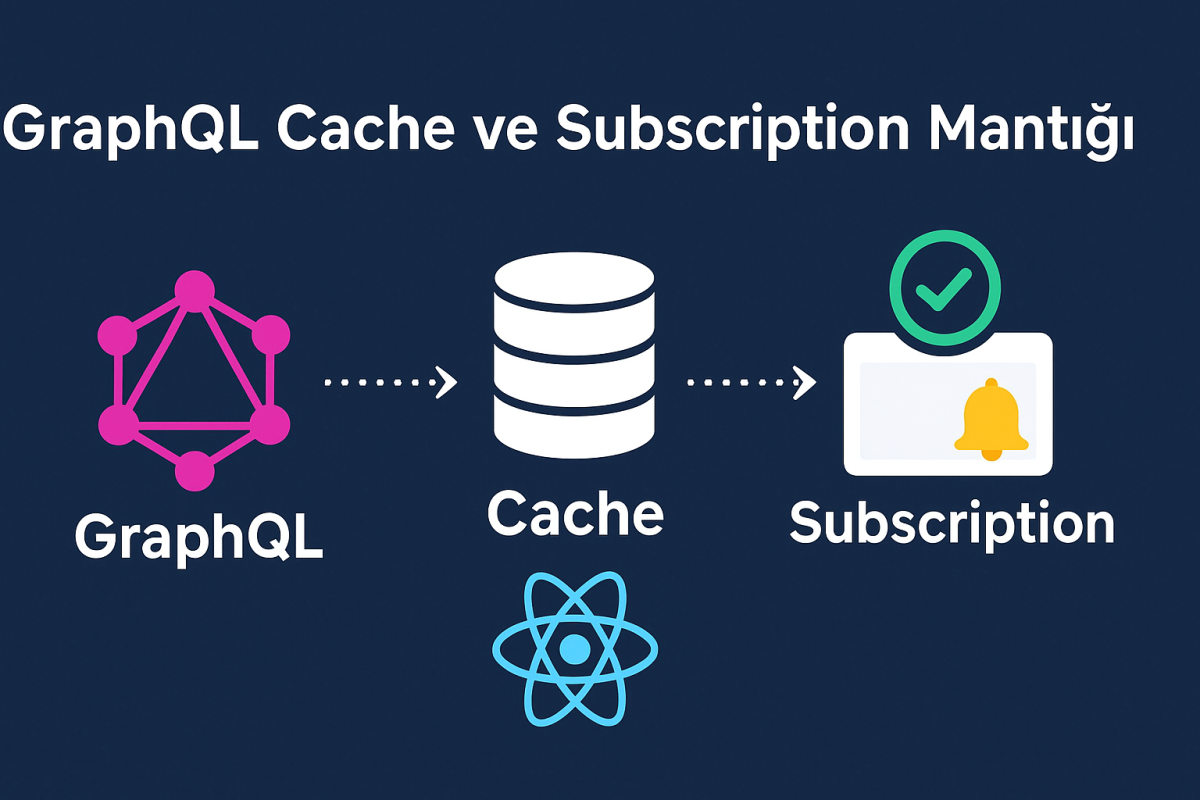
🚀 How GraphQL Cache and Subscriptions Work (and How They Differ from RESTful APIs)
As frontend developers, we usually talk to APIs through a REST structure. But in modern apps, when you need more dynamic, real-time and flexible data flow, GraphQL steps into the spotlight.
In this post, I’ll walk you through how cache and subscriptions work in GraphQL,
how they differ from RESTful APIs, step by step with examples from my own experience.
🔹 What Is GraphQL?
GraphQL is an API query language developed by Facebook.
Unlike REST, the client (frontend) queries only the fields it needs.
In other words, the frontend gets what it asks for, not whatever the backend decides to send (backend bro, mind your own business xD ).
🧠 A Quick Comparison
REST:
GET /users/1
{
  "id": 1,
  "name": "Ahmet",
  "email": "[email protected]",
  "posts": [
    { "id": 101, "title": "React Eğitimi" },
    { "id": 102, "title": "Next.js Rehberi" }
  ]
}
GraphQL:
query {
  user(id: 1) {
    name
    posts {
      title
    }
  }
}
Result:
{
  "data": {
    "user": {
      "name": "Ahmet",
      "posts": [
        { "title": "React Eğitimi" },
        { "title": "Next.js Rehberi" }
      ]
    }
  }
}
⚙️ GraphQL Basics
GraphQL is built on three core operation types:
| Type | Description | Example |
|---|---|---|
| Query | Reading data | query { users { id name } } |
| Mutation | Creating/updating data | mutation { createUser(name: "Ahmet") { id } } |
| Subscription | Real-time data | subscription { newUser { id name } } |
🧩 What Is GraphQL Cache?
In GraphQL, caching is handled by libraries like Apollo Client.
Instead of being “URL-based” like in REST, it works based on data type + id.
Example:
query {
  users {
    id
    name
  }
}
Response:
{
  "data": {
    "users": [
      { "id": "1", "name": "Ahmet" },
      { "id": "2", "name": "Mehmet" }
    ]
  }
}
Apollo Client stores this data in memory like this:
{
  User: {
    "1": { id: "1", name: "Ahmet" },
    "2": { id: "2", name: "Mehmet" }
  }
}
So when the same user data shows up again in a different query,
Apollo Client serves it from the cache instead of fetching it again.
Plus, unlike with a RESTful API, we don’t have to go set up a
WebSocket just to fetch the data again + no extra library needed.
💾 Apollo Client Cache Policies
In GraphQL, the cache policy is set with fetchPolicy:
| fetchPolicy | Description |
|---|---|
cache-first | Serve from cache if available, otherwise fetch from the server |
network-only | Always fetch from the server |
cache-only | Read from the cache only |
cache-and-network | Show the cache first, then fetch the latest data |
Example usage:
useQuery(GET_USERS, {
  fetchPolicy: "cache-first",
});
⚡ What Is a Subscription?
Subscriptions are GraphQL’s biggest difference from REST.
They enable real-time data communication — just like the WebSocket approach.
In REST:
- The client doesn’t know when data changes.
- To get new data, you have to send requests like
GET /messagesover and over again (polling).
In GraphQL:
- You “subscribe” once,
- And whenever something changes on the server (for example, a new message arrives),
it sends a notification instantly.
Example:
subscription {
  newMessage {
    id
    text
    sender {
      name
    }
  }
}
🔄 How Do Cache and Subscriptions Work Together?
This is where the magic of GraphQL begins ✨
Data coming from a subscription is automatically written to the cache by Apollo Client.
That means your UI component displays the new data automatically.
Example Flow:
query { users { id name } }→ users are saved to the cachesubscription { newUser { id name } }→ when a new user arrives- Apollo adds it to the cache
- The UI component updates automatically (no manual state needed)
💻 React Example (Apollo Client)
import { gql, useQuery, useSubscription } from "@apollo/client";

const GET_USERS = gql`
  query {
    users {
      id
      name
    }
  }
`;

const NEW_USER_SUB = gql`
  subscription {
    newUser {
      id
      name
    }
  }
`;

export default function Users() {
  const { data, loading } = useQuery(GET_USERS);

  useSubscription(NEW_USER_SUB, {
    onData: ({ client, data }) => {
      const newUser = data.data.newUser;
      client.cache.modify({
        fields: {
          users(existingUsers = []) {
            const newUserRef = client.cache.writeFragment({
              data: newUser,
              fragment: gql`
                fragment NewUser on User {
                  id
                  name
                }
              `,
            });
            return [...existingUsers, newUserRef];
          },
        },
      });
    },
  });

  if (loading) return <p>Yükleniyor...</p>;

  return (
    <ul>
      {data.users.map((u) => (
        <li key={u.id}>{u.name}</li>
      ))}
    </ul>
  );
}
In this code:
useQuery()fetches the initial datauseSubscription()listens for new users- When new data arrives, Apollo adds it to the cache
- The React component re-renders automatically 🔁
🔍 REST vs GraphQL Comparison
| Feature | REST | GraphQL |
|---|---|---|
| Endpoint structure | Multiple (/users, /posts) | Single (/graphql) |
| Cache system | URL-based (HTTP) | Type + ID based (Apollo Cache) |
| Real-time data | No | Yes (Subscription) |
| Over-fetching risk | High | None |
| Data updates | Manual | Automatic cache sync |
🧠 Summary
- Cache: Apollo Client stores data in memory based on
type + id. - Subscription: Receives real-time data over WebSocket.
- Together: Incoming data is automatically added to the cache, and the UI updates instantly.
This way:
✅ You don’t send extra API requests
✅ State management gets simpler
✅ You deliver a real-time user experience
✍️ Final Worddd!
Even though GraphQL may look more complex than REST,
with its cache and subscription features it lets you build
faster, more efficient and real-time apps in the modern frontend world.
Now you can build real-time systems that update data “without refreshing the page,”
unlike in REST — here’s to putting it to good use. ⚡
Leave a comment
Your email address will not be published. Required fields are marked *