
 Ahmet Yüceler
About the Vulnerability
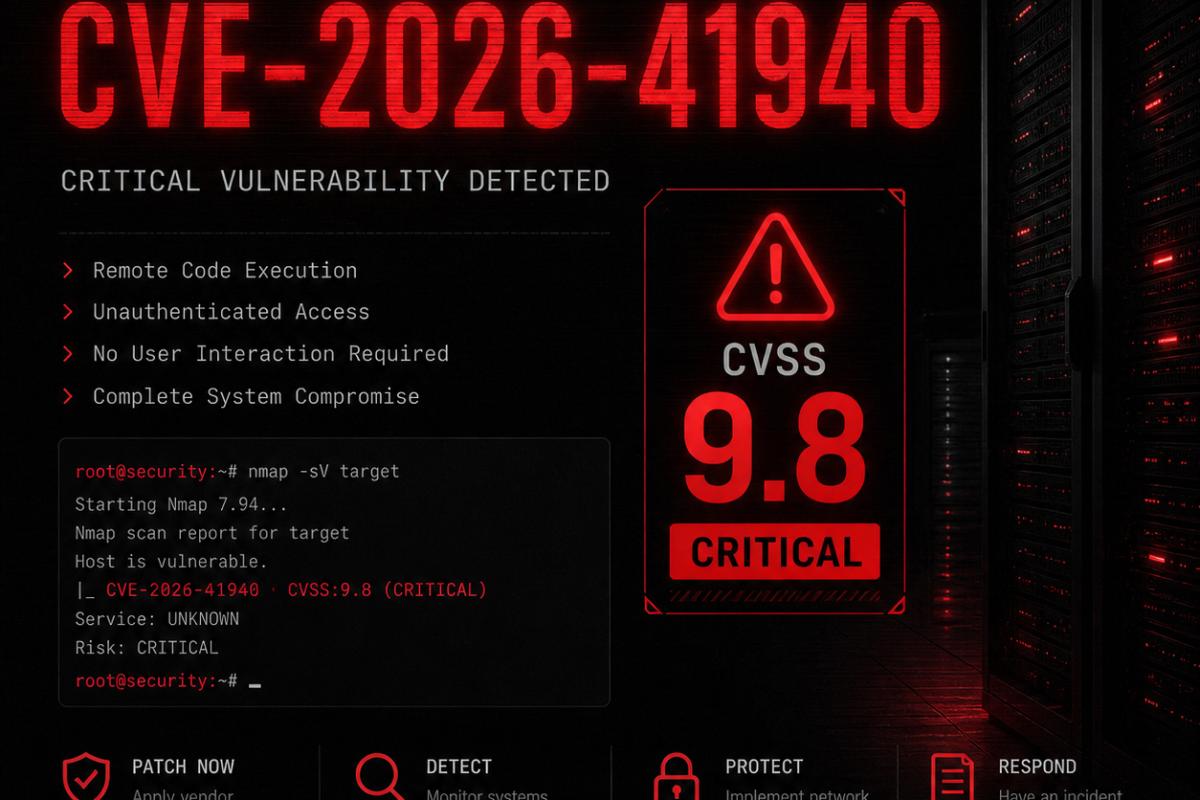
On successfully exploited systems, serious security breaches have been observed, including theft of user data, changes to server configurations and installation of malware. cPanel has released security patches for the vulnerability, and all affected systems are strongly advised to update immediately.
- CVSS Score: 9.8 / Critical
- Affected Component: cPanel & WHM Panel
- Vulnerability Type: Unauthorized Access
- Status: Patch Available
⚠️ Urgent Warning: If your server runs cPanel and you haven't applied the latest security updates, your system may be at risk of active attack right now. Follow the steps below without wasting any time.
If You Have Access to the Server — Apply the Patch
If your server isn't having any issues and you have root SSH access, you can install the security patch yourself by following the 3 steps below. The process takes about 5-10 minutes and server downtime is minimal.
Step 1 — Update the server to the patched version
This command upgrades cPanel to the latest stable version from the official servers. The --force flag forces the update to run even if an up-to-date version is already installed.
/scripts/upcp --forceStep 2 — Verify the cPanel version
Once the update is complete, check the active cPanel version with the command below. Confirm that the version shown in the output is the latest one that includes the patch.
/usr/local/cpanel/cpanel -VStep 3 — Restart the cPanel service
After the update, restart the cPanel daemon service so the new configuration takes full effect. This only takes a few seconds.
/scripts/restartsrv_cpsrvdIf You Can't Update — Temporary Security Measure
In some cases, your server may be running a very old operating system or cPanel version. If:
- You're using an old CentOS 6/7 or a similar EOL operating system,
- Your cPanel license has expired or you can't connect to the update server,
- You're getting errors during the update,
you can block external access to the cPanel management ports with the iptables firewall rules below.
iptables -A INPUT -p tcp --dport 2083 -j DROP
iptables -A INPUT -p tcp --dport 2087 -j DROP
iptables-save > /etc/sysconfig/iptables
These commands completely block the cPanel user panel (port 2083) and the WHM admin interface (port 2087), respectively, from the outside world. The last command makes these rules persistent, so the protection stays in place even after the server restarts.
ℹ️ Important Note: Once you close ports 2083 and 2087, attackers can't exploit this vulnerability; however, you won't be able to access the panel through these ports either. This is only a temporary measure — you need to apply the actual update or migrate the server to a newer version as soon as possible.
Summary and Recommendations
CVE-2026-41940 is a critical vulnerability that is being actively exploited. To protect your server, you should first apply the official patch, and if that isn't possible, temporarily close the relevant ports with iptables. In the long run, moving from old operating systems or cPanel versions to supported, up-to-date releases is a must.
If you need help at any stage or can't carry out these steps on your server, consider getting professional support. Cleaning up after a security breach can cost far more than taking precautions in advance.
Leave a comment
Your email address will not be published. Required fields are marked *